Creating a Candid Convenience Store Cashier Image
Generate a photorealistic image of a young Indonesian woman working as a convenience store cashier using the GPT Image 2 model.
Image Description
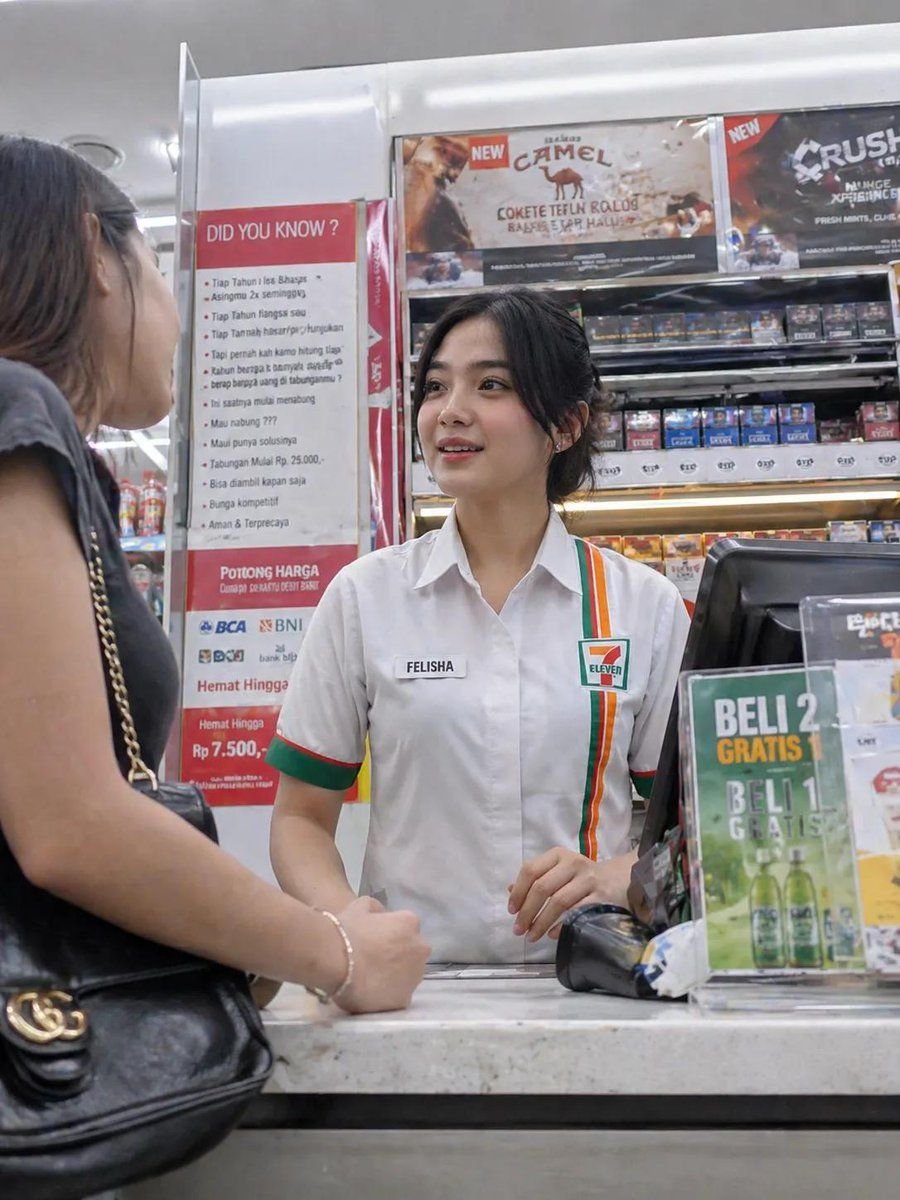
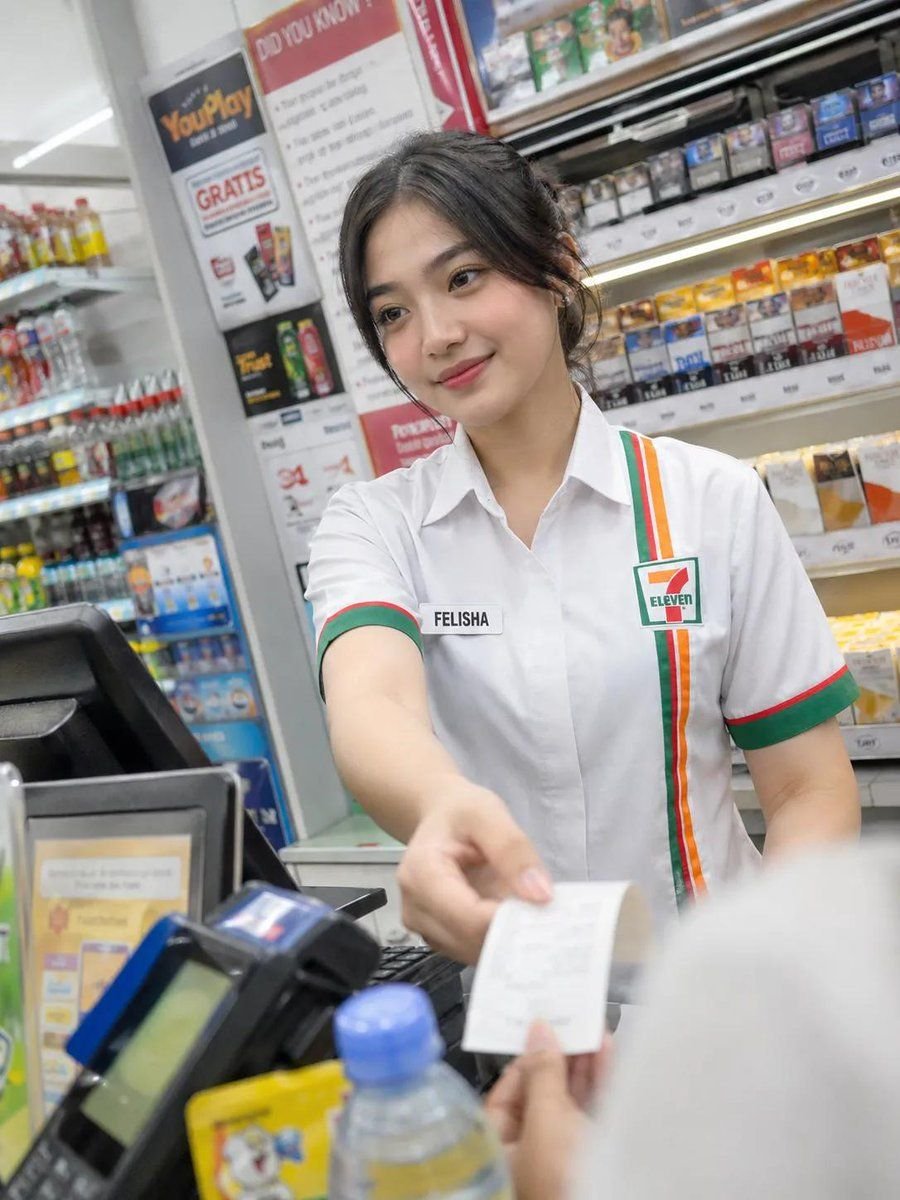
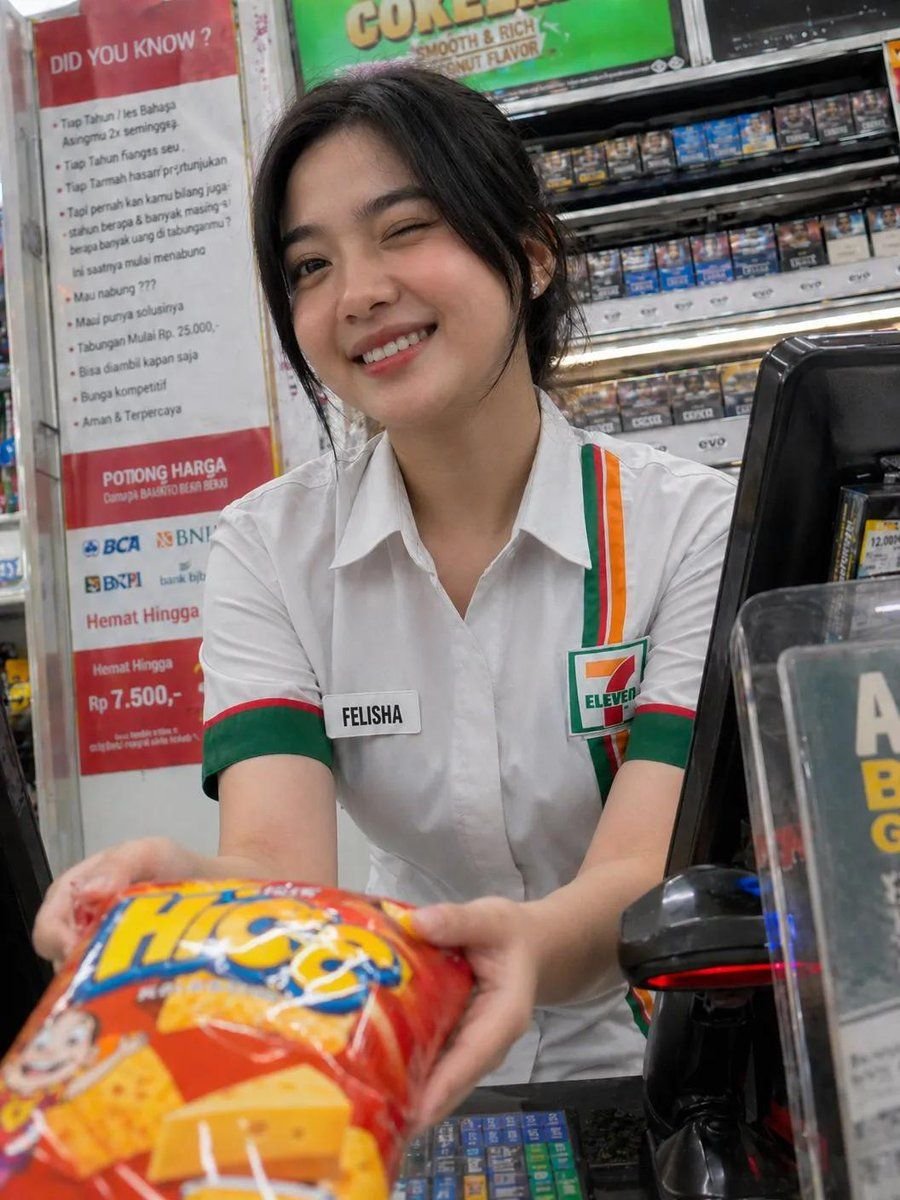
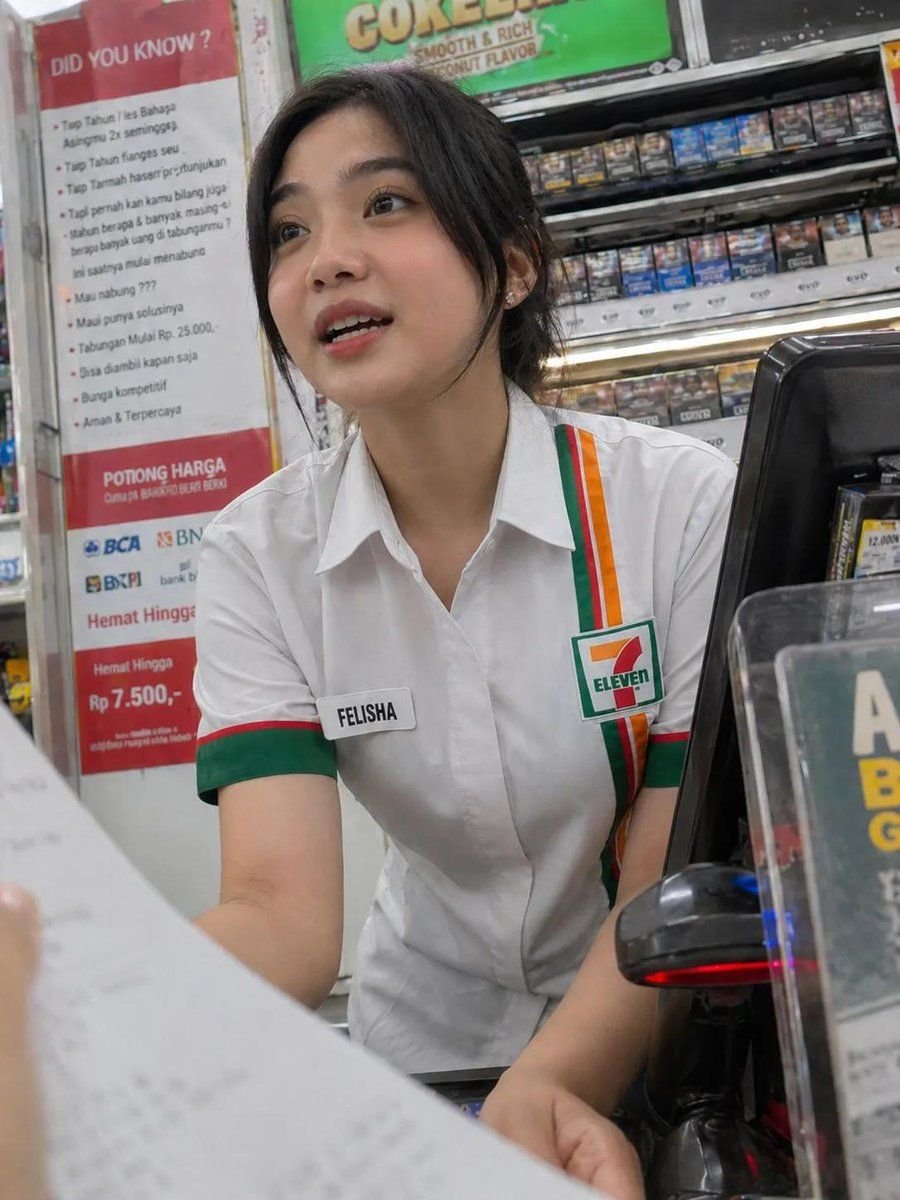
A beautiful young Indonesian woman in her early 20s stands behind the cashier counter, serving a customer with a friendly and natural expression. The image features a typical Seven Eleven uniform with white shirt and green, red, and orange accents, along with a name tag reading “FELISHA” and her hair neatly tied back.
Key Elements
- POS machine on the counter
- Barcode scanner on the counter
- Small items such as candy and drinks on the counter
- Customer in the background, blurred for a candid feel
- Neon lights in the convenience store, providing bright and evenly distributed lighting
- Modern convenience store interior with neatly arranged shelves of products behind the cashier
Photography Style
- Photorealistic, candid photography
- Shallow depth of field to emphasize the subject
- Natural skin tones and high detail
- Slight motion blur for added realism
- 4K quality for a crisp and clear image
Optional Additions for Variation
- Slightly tilted angle smartphone camera
- Smartphone camera noise effect
- Reflections on glass display
- The cashier smiling gently while handing a receipt or change
How to Generate the Image
- Use the GPT Image 2 model to generate the image.
- Input the description and key elements into the model.
- Adjust the photography style and optional additions to achieve the desired look.
- Export the image in 4K quality.
Conclusion
The generated image will be a photorealistic representation of a young Indonesian woman working as a convenience store cashier, capturing a candid moment in a modern convenience store interior.
By following the steps outlined in this guide, you can create a high-quality image that showcases the beauty of candid photography and the convenience store environment.