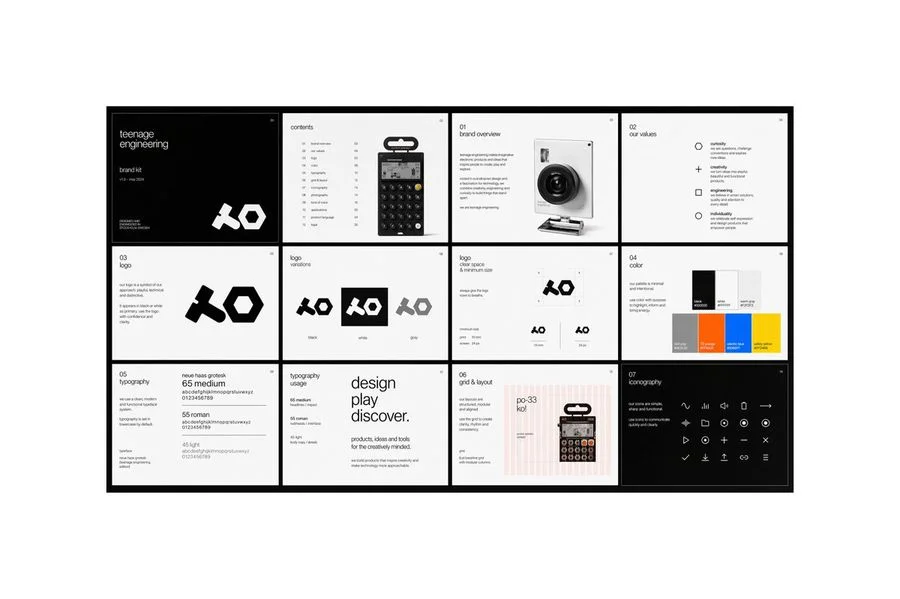
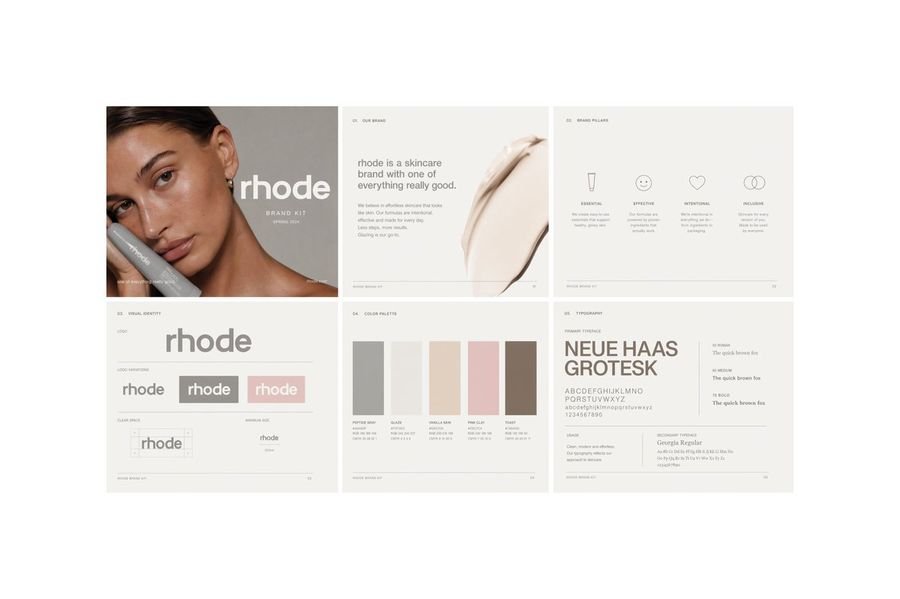
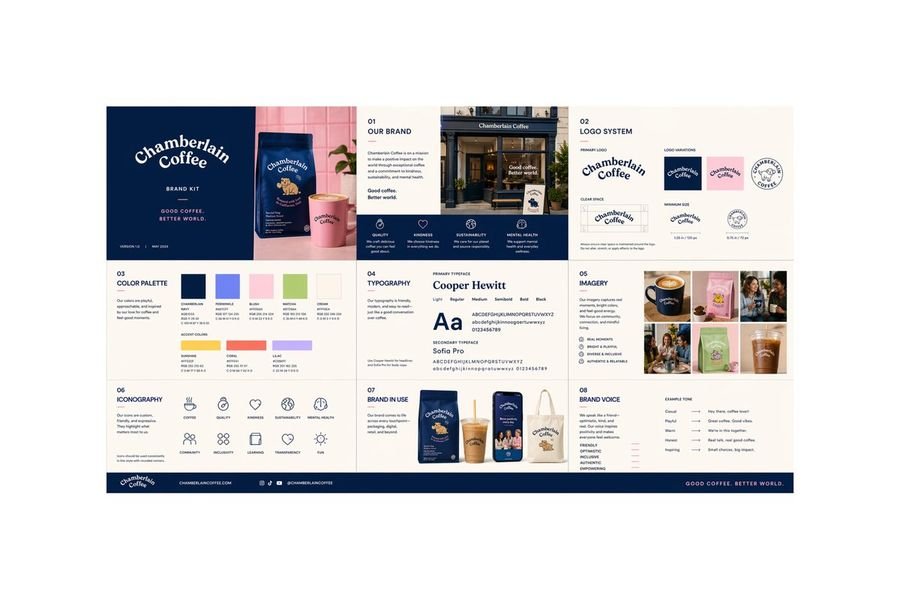
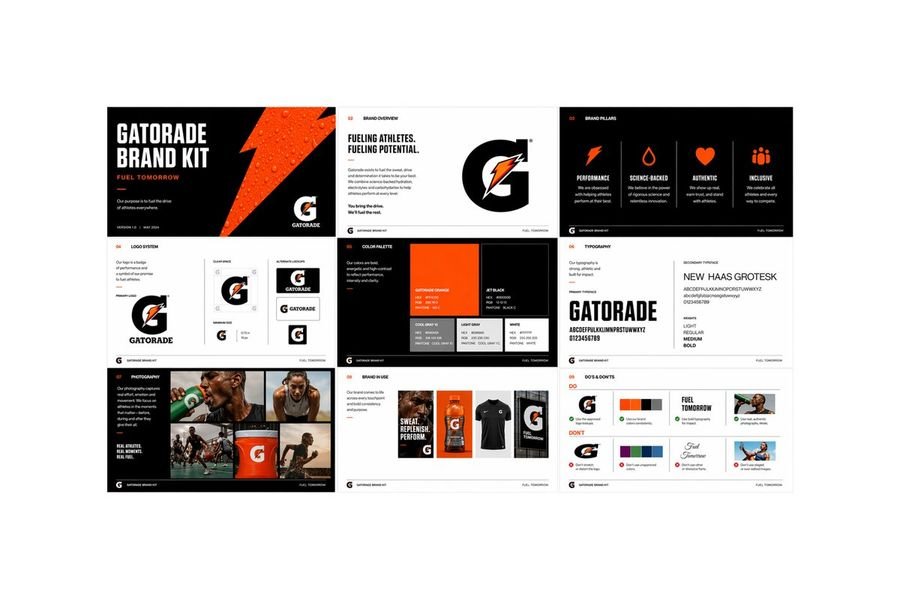
Creating a Polished Multi-Page Brand Kit with GPT Image 2
Generate a cohesive brand identity across various touchpoints with our step-by-step guide.
Step 1: Define Your Brand's Visual Identity
Establish a strong foundation for your brand kit by outlining the essential elements:
- Color Palette: Select 3-5 core colors that reflect your brand's personality.
- Typography: Choose 2-3 font families for headings and body text.
- Logo Variations: Design multiple logo versions for different contexts.
Step 2: Develop a Consistent Visual Language
Apply your brand's visual identity across various touchpoints:
- Business Cards: Design a card that reflects your brand's personality.
- Letterheads: Create a professional letterhead that incorporates your brand's colors and typography.
- Social Media Assets: Develop a consistent visual style for your social media profiles.
Step 3: Create a Comprehensive Brand Kit
Organize your brand assets into a cohesive kit:
- Logo Variations: Include multiple logo versions in different formats (e.g., PNG, SVG, EPS).
- Color Palette: Provide a color palette document with hex codes and RGB values.
- Typography: Share font family information, including font weights and styles.
- Imagery: Include a selection of high-quality images that reflect your brand's personality.
Step 4: Refine and Iterate
Review and refine your brand kit to ensure consistency and accuracy:
- Check for consistency across all touchpoints.
- Verify that all assets are in the correct format.
- Make adjustments as needed to maintain a strong visual identity.
Conclusion
By following these steps, you'll have a polished multi-page brand kit that effectively communicates your brand's visual identity and values.
Visit https://chatgpt.com to explore more image generation capabilities.